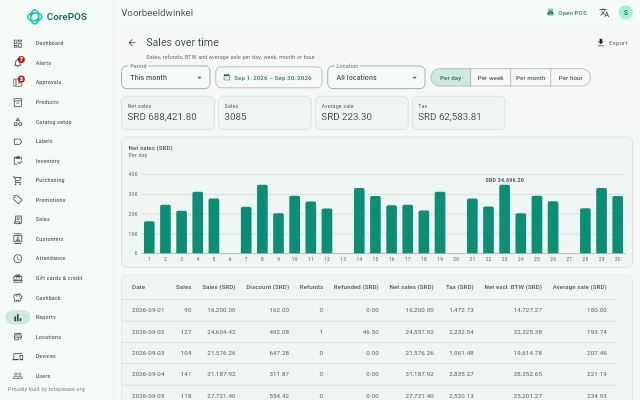
Features
A short overview per area. Each feature shows whether it is in the current version yet.
A register that works without internet
Status: In the current version
Selling goes on when the internet drops. Everything is brought up to date as soon as the connection is back.
- The register runs on a Windows PC and keeps sales on the PC itself.
- As soon as the internet is back, the sales go to the back office.
- In the back office you manage products, prices, users and registers.
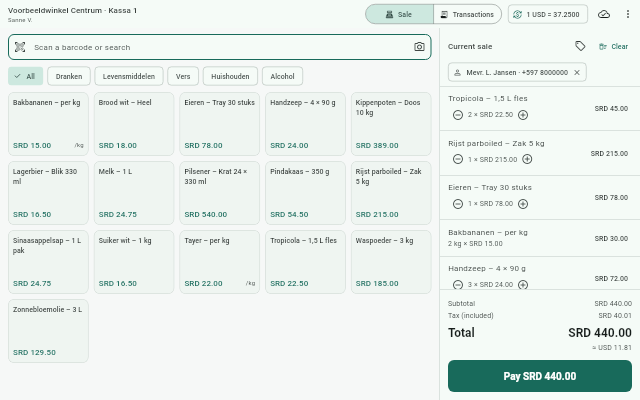
SRD and USD
Status: From the next version
Prices and payments in SRD and USD, with a rate of its own for each shop.
- Price rate: the rate used to convert prices.
- Cash rate: the rate for USD payments at the register.
- Cash rounding: cash amounts are rounded to a step you choose.
Held orders
Status: From the next version
Put an order aside with fixed prices and reserved stock, and finish it later.
- The stock stays reserved while the order waits.
- Deposits: the customer can pay part of it up front.
- Cancelling a held order needs a manager's approval.
Receipts, exchanges and price changes
Status: From the next version
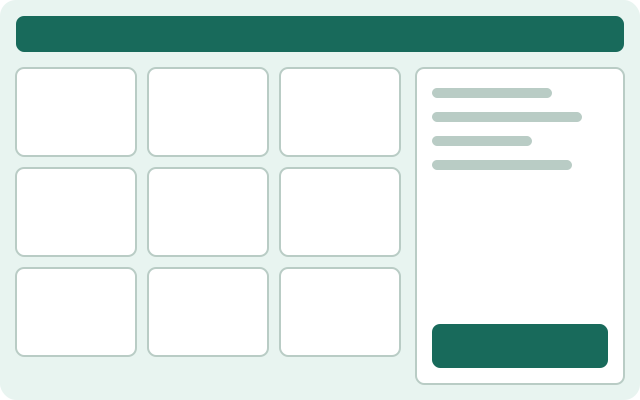
Exchange against the cart, change prices at the register and a barcode on the receipt.
- Exchange: what comes back is set off against the new purchase. Only the difference is paid.
- A price change at the register needs a manager's approval unless the cashier has that right; for them you can set a maximum.
- A barcode on the receipt, so you find a sale quickly when something is returned.
- Printing through a Windows printer driver, or on a network receipt printer with ESC/POS (port 9100).
Gift cards & credit
Status: From the next version
Gift cards, vouchers, store credit and cashback.
- Sell gift cards and take them as payment at the register.
- Issue and redeem vouchers.
- Store credit: a customer keeps a balance, for example after a return.
- Cashback: customers build up credit on what they pay.
Stock across shops
Status: From the next version
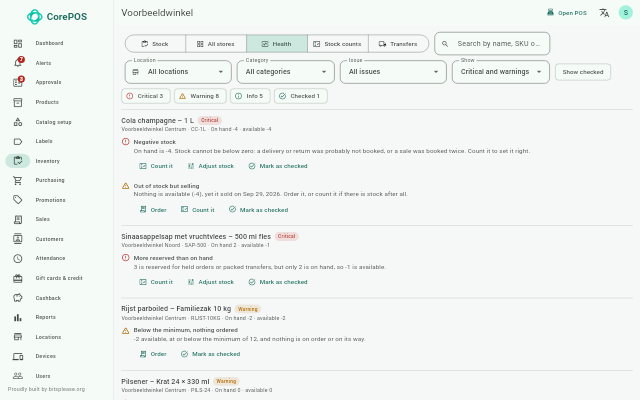
Stock per shop, with counts, transfers and signals.
- Stock counts and count cycles: count a whole shop or part of it, with several people at once.
- Transfers: move stock between your shops.
- Stock history: see what came in and went out for each product.
- Stock health: warnings such as negative stock or products that have not been counted for a long time.
Purchasing
Status: From the next version
Order from your suppliers and receive the delivery in the shop.
- Orders: per supplier and per shop.
- Suppliers: with their items and cost prices.
- Import orders: create orders from a spreadsheet (.xlsx or .csv).
Labels
Status: From the next version
Print price labels for products and deliveries.
- Print on a ZPL label printer on the network.
- Without a label printer, the app opens the labels as a PDF.
Attendance
Status: From the next version
Staff clock in and out at the register.
- Clock in / out at a register that is paired for it ('Pair this till for clocking in').
- The hours worked per person are in the back office.
Reports
Status: From the next version
Reports, a dashboard and an audit log.
- Reports on sales and payments.
- Dashboard: the main figures at a glance.
- Audit log: who changed what.